
Building 34, No. 535 Shunfeng Road, Hangzhou, Zhejiang, China
[email protected]


ESP8266 temp and humidity monitor micro Wi-Fi module helps you track climate in real time. The esp8266 reads from dht11 or dht22 sensors then transmits results to phone or web dashboard. These regulate to maintain a stable atmosphere in environments such as labs, server rooms, or greenhouses. Setup is cheap and can run simple firmware, making it suitable for both high and low demands. Engineers utilize these tools to identify anomalies, record patterns and resolve problems quickly. High uptime, live updates and smooth link to cloud services let users meet strict standards. The following chapters will demonstrate configuration procedures, top sensor choices, and advice for consistent measurements.

Accurate temperature and humidity sensing with the ESP8266 depends on combining a couple of important components. Each has a definite purpose–from consistent data capture to smooth connectivity. For the industry professional, precision, durability and integration are key. These components power scalable, energy-efficient offerings, and enable strong monitoring vital for compliance and operational excellence across industries.
The ESP8266 NodeMCU excels for its low price, small form factor and built-in Wi-Fi. It is popular in industrial IoT as it allows devices to transmit and receive data across networks. The NodeMCU version carries the ESP8266 12-E module—this is the most common module primarily because it’s user friendly and can handle input voltages as high as 6V, although a steady 3.3V supply is ideal for long-term use. It offers plenty of GPIO for sensors, PWM control for actuators, I2C, ADC support — able to be customized for a wide variety of monitoring requirements.
Programming is easy—you attach the NodeMCU to a computer via a regular USB cable, frequently with an integrated CP2102 USB-to-serial adapter, to load code and update firmware. Compatibility with the Arduino IDE simplifies coding, minimizing setup times and enabling fast prototyping or scaling.
For temperature and humidity, DHT11 sensors provide an easy and cheap option. It can read temperatures ranging from 0 to 50 °C and humidity ranging from 20% to 90% RH, ideal for light industrial settings. Data refreshes at 1Hz, providing a good balance between responsiveness and power consumption. Although the DHT11 works great for basic monitoring, more advanced users wanting increased precision or wider ranges should opt for the DHT22, which expands temperature and humidity coverage and offers improved accuracy.
Its four-pin layout—VCC, Ground, Data Out, and NC—requires meticulous cabling. To ensure proper connection is essential for stable operation and accurate readings.
Crucial for dependable monitoring is that you establish solid connections. The DHT11’s VCC goes to NodeMCU’s 3.3V pin. Ground lines need to be connected to prevent floating voltages. Data Out is to a digital GPIO such as D5 (GPIO2). Breadboards and jumper wires ease prototyping and enable rapid layout modifications. Well-organized and shielded cabling minimizes interference and preserves data quality, particularly in industrial environments fraught with electrical noise.
The Arduino IDE is the default tool for programming the ESP8266. Add the ESP8266 board package via the Board Manager, then install the DHT sensor library for simple coding. A simple sketch can read and send sensor data and for live dashboards, JavaScript code can allow to update as frequently as every 10 seconds. This enables automated, ongoing monitoring that’s often required in regulated industries.
Constructing a reliable ESP8266 temperature and humidity monitoring circuit requires meticulous procedures to guarantee consistent and precise information in industrial environments. Employ a breadboard for versatility. Be sure to fully secure all connections, and test the circuit prior to programming to prevent expensive downtime or operational faults!
Assembly Steps:
Begin with a clean schematic. Plan everything from the ESP8266 and DHT11 wires, to power lines, to data and serial connections. Use color-coded wires for VCC (red), GND (black) and data (yellow or blue) to make troubleshooting quick. Identify each node and part with a label. Record any modifications as you proceed, particularly if the configuration will be adjusted or scaled in the future. This history facilitates reproducibility, cross-team or cross-project collaboration.
Verify all wires correspond to the schematic. The DHT11’s data pin needs to be wired into the correct ESP8266 GPIO, a popular choice is GPIO2. VCC and GND both need to be solid, since any dips in voltage will result in sensor errors. If you’re not certain, test with a multimeter for voltage and continuity. That way nothing gets overlooked, particularly with repeated industrial use where vibration or heat might shake loose pins. Fasten wires, so they don’t get unplugged during floor maintenance or relocation.
Choose a powering technique appropriate to the application USB power from a PC or adapter is easy for static setups. Never forget the voltage, ESP8266 and DHT11 both demand clean 3.3 V. If your system has to be mobile, use a regulated battery pack. Lightning series have been known to cause voltage drops under load that can mess with your data logging. A rugged power source is essential for reliable, long-term monitoring in harsh environments.
Programming the ESP8266 for temperature and humidity monitoring requires a robust methodology. The microcontroller’s allure is due to its low price, native Wi-Fi, and robust Arduino support. For industrial users, reliability and setup indeed determine the sensor’s value in climate control processes.
First, open the Arduino IDE. Go to the Library Manager. Search for ‘DHT’ in the search box and select Adafruit’s “DHT sensor library”. Click on install. Repeat this for ‘Adafruit Unified Sensor’—this library enhances sensor interoperability and reliability.
You need both libraries. The DHT sensor library allows for easy reading of DHT11 sensors, a popular option for simple temperature and humidity work. The Unified Sensor library aids with code portability and error handling. Search for updates to escape bugs or version mismatches — old libraries can wreck builds, particularly on tiny-memory devices like the ESP8266.
Start with clear code sections: setup, loop, and dedicated functions. Define configuration variables for the DHT type (DHT11) and the GPIO pin it connects to, for example: #define DHTPIN 2 and #define DHTTYPE DHT11. This structure keeps the code readable and scalable.
Program the setup function to initialize the sensor and serial communication. In the loop, read and print temperature and humidity. Utilize methods such as readTemperature() and readHumidity(). Leave readings inside the loop but throw in a delay—2 seconds or so is standard—to keep output stable and prevent sensor errors.
Well-structured code aids debugging and future modifications. It’s good practice to isolate Wi-Fi configuration too, VERIFYING the ESP8266 joins the appropriate network PRIOR to initializing sensors.
Call dht.begin() one time in setup to prepare the sensor. Obtain readings through dht.readHumidity() and dht.readTemperature(). Check for errors after each read, since the DHT11 can sometimes return NaN. Print results to the Serial Monitor with Serial.print(), which is a must for debugging.
Include a delay at the end of every reading cycle. This minimizes failed reads and keeps the memory problems at bay—a genuine danger on the ESP8266. Good error handling and rock-solid timing are just as important. Industrial machines don’t appreciate downtime.
Building a temperature and humidity web server with the ESP8266 is a solution-focused step for industrial environments. It’s a mashup of sensors, microcontrollers, and web technology that enables remote monitoring. The ESP8266 powered microcontroller with the ESP8266WebServer library can show us real-time data from sensors such as the LM35, DHT11, or DHT22. Automatically updating readings, easy access, and living allow you to react quickly to climate changes. ST helps you keep your production in perfect shape.
First, insert your Wi-Fi credentials into the code so the ESP8266 can join your local network. Call wifi.begin() with your SSID and password to make sure that the board connects to the correct access point. Error handling is key: check the connection status and add logic to retry or alert the user if the connection fails. This avoids downtime and enables robustness in production environments.
When connected print the ESP8266’s local IP address. It’s this address that users come to for locating the web server in the facility. By outputting it in the serial monitor, it makes it easy for operators and technicians to check or troubleshoot.
Craft a simple html page to display temperature and humidity. Use headings for sensor names, paragraphs for data values and spans for units or time stamps. This format keeps the page readable even in high-speed settings.
Include CSS to improve the layout and readability. Use contrasting colors for clarity, bigger fonts for distance viewing, and bare spacing. Make the page responsive so it looks great on desktop, tablet, and mobiles—essential for busy crews with a variety of hardware on location.
JavaScript allows the page to update sensor readings automatically. Use setInterval() to get new data every 10 seconds or so, in order to keep the display up to date without having to refresh the page. This background update ensures the data stays accurate to the real conditions in the space.
Find a refresh rate which satisfies your real-time data needs as well as your server’s performance. Requests that are too close together can overwhelm the ESP8266, resulting in delayed or missed readings. Add a loading spinner so users understand data is refreshing, promoting transparency and trust.
Smart monitoring is much more than a numbers on a screen exercise. In high-stakes industries, being ahead is about following the trends, solving the problems, and making the decisions — with minimal overhead. The ESP8266, combined with the right temperature and humidity sensors, can do so much more when you unlock advanced features. If you’re not starting with the problem, go back to your project objectives and emphasize features that provide genuine value—energy savings, process stability and actuation. Any additions, just focus on what supports your operation, and be prepared to trim what doesn’t. Teamwork and review, combined with strategic experiments and constant adjustments, drive the results upward.
Longterm rewards begin with strong track records. Logging sensor data lets you observe trends, mitigate hazards, and demonstrate regulatory adherence. You can either store this data locally on an SD card or push it to the cloud, say with ThingSpeak etc. Both options have their perks: SD cards suit offline sites, while cloud services unlock global access.
Configure your ESP8266 to record periodic measurements to your preferred storage. Write functions that error check prior to saving, so you don’t lose key data or corrupt your logs. Visualize trends by entering the data into charts or graphs — this is useful when you need to rationalize changes or demonstrate improvements. Run checks on your data integrity, catching gaps or errors before they escalate into bigger issues.
Real-time alerts are vital for industrial confidence. First, set up temperature and humidity thresholds according to your product specifications or process requirements. Code the ESP8266 to alert you to any readings outside this range.
For immediate alerts, integrate the platform with tools such as IFTTT—allowing you to dispatch emails or texts to appropriate team members, wherever they may be. Dashboard indicators or online alert banners can provide on-site teams with immediate feedback. Be sure to test the alert system with real-world scenarios to verify it functions quickly and accurately, even in the face of network hiccups.
Saving power is crucial if your devices run 24/7. Take advantage of the ESP8266’s deep sleep mode in downtime to reduce energy consumption. Tune your code so it wakes only when needed, reads information quickly, and returns to sleep. Reduce sensor polling intervals if you can.
Select sensors that sip power and don’t suck it dry. Cut out or turn off things that don’t explicitly help your project. Efficiency is not a once-and-for-all repair. Continue to audit and adjust your process as your requirements evolve.
Temperature and humidity monitoring with ESP8266 adds value, but frequent problems can put a damper on your momentum in an industrial environment. Knowing where these problems come from and applying a systematic troubleshooting methodology not only saves time but guarantees robust data. It’s a table that maps common problems to causes and specific solutions. A checklist lets teams monitor issues and solutions, and methodical testing and record-keeping establish a culture of reliable enhancements.
| Issue | Potential Cause | Solution |
|---|---|---|
| Wi-Fi Failures | Wrong credentials, weak signal, router problems | Check credentials, move ESP closer, restart devices |
| Sensor Errors | Bad wiring, wrong sensor code, faulty sensor | Rewire, verify code, swap sensor |
| Web Server Glitch | Code bugs, server overload, ESP memory limits | Debug code, optimize requests, restart ESP |
| Upload Failures | Wrong baud rate, not in flash mode, stuck flasher | Try different rates, check GPIO 0 to GND, restart flasher |
Checklist:
Wi-Fi troubleshoot are typical in ESP8266 installations. Make sure the network details correspond to what your router anticipates. If the ESP8266 won’t stop connecting, move it closer to the router to exclude range issues. Sometimes routers just require a restart, particularly if they’re crammed full of devices.
Signal interference may also cause connections to drop, so keep an eye on signal strength. If the ESP is stuck in script upload, switch the baud rate to 19200, 74880, or 115200. Re-flashing the ESP with NodeMCU flasher has resolved for numerous people. Don’t forget to peruse the forums for tips on hard cases.
DHT11 or alike can spit invalid readings if connection is loose or miswired. Test each wire and pin. In code, ensure the sensor type reflects the actual hardware. Testing the sensor with a basic script will verify its functionality. If mistakes persist, trade in a fresh sensor.
Record notes on wiring schemes and sensor types for troubleshooting down the road. Record any common problems to identify patterns and avoid repeat flops.
Server issues typically come from a syntax error in the code or the server is overloaded. Check server logs for errors. Even a little typo can break it. Examine request processing code and tune it for efficiency, particularly in high-traffic configurations.
Sometimes restarting the ESP8266 clears temporary memory issues. If issues remain, search for memory leaks or code bottlenecks. Peer knowledge from troubleshooting forums frequently solves esoteric server-side bugs.
ESP8266 temperature and humidity monitoring – Begin with the right parts and build it steady. Plug in the sensor, push the code, go with the web server, see live data anywhere!) Customize your arrangement to suit any location or requirement, such as a plant room, mini lab or warehouse shelf. Troubleshoot fast by inspecting connections and code lines. Several members have adopted this build for simple, transparent air quality checks. Each mod, each add-on provides fresh directions to customize the project. For more tips or assistance on larger builds, contact or visit Yakeclimate’s guides. Experiment with fresh hacks, spread what clicks and stay your monitoring touchstone.
Both the DHT11 and the DHT22 are popular temperature and humidity sensors for ESP8266 users. Both are solid and well-supported for temperature and humidity sensing in DIY projects.
Yes, you can view live data from anywhere. Install a simple web server on the esp8266 and expose it to your home wifi network.
No, some Arduino IDE and easy coding is enough. Tons of open source libraries and examples for beginners.
The ESP8266 runs at 3.3V. Make sure your power source is providing stable voltage so you don’t fry the board or sensors.
Accuracy sensors. DHT11 is a basic sensor and DHT22 is more accurate. For most use cases, either are fine for general monitoring.
Yep, you can check in on any web browser device. The ESP8266’s web server outputs readings in real-time on any smartphone, tablet, or computer.
Double-check your Wi-Fi credentials and confirm your router’s compatibility. Reboot the ESP8266 and check your code for the proper network information.


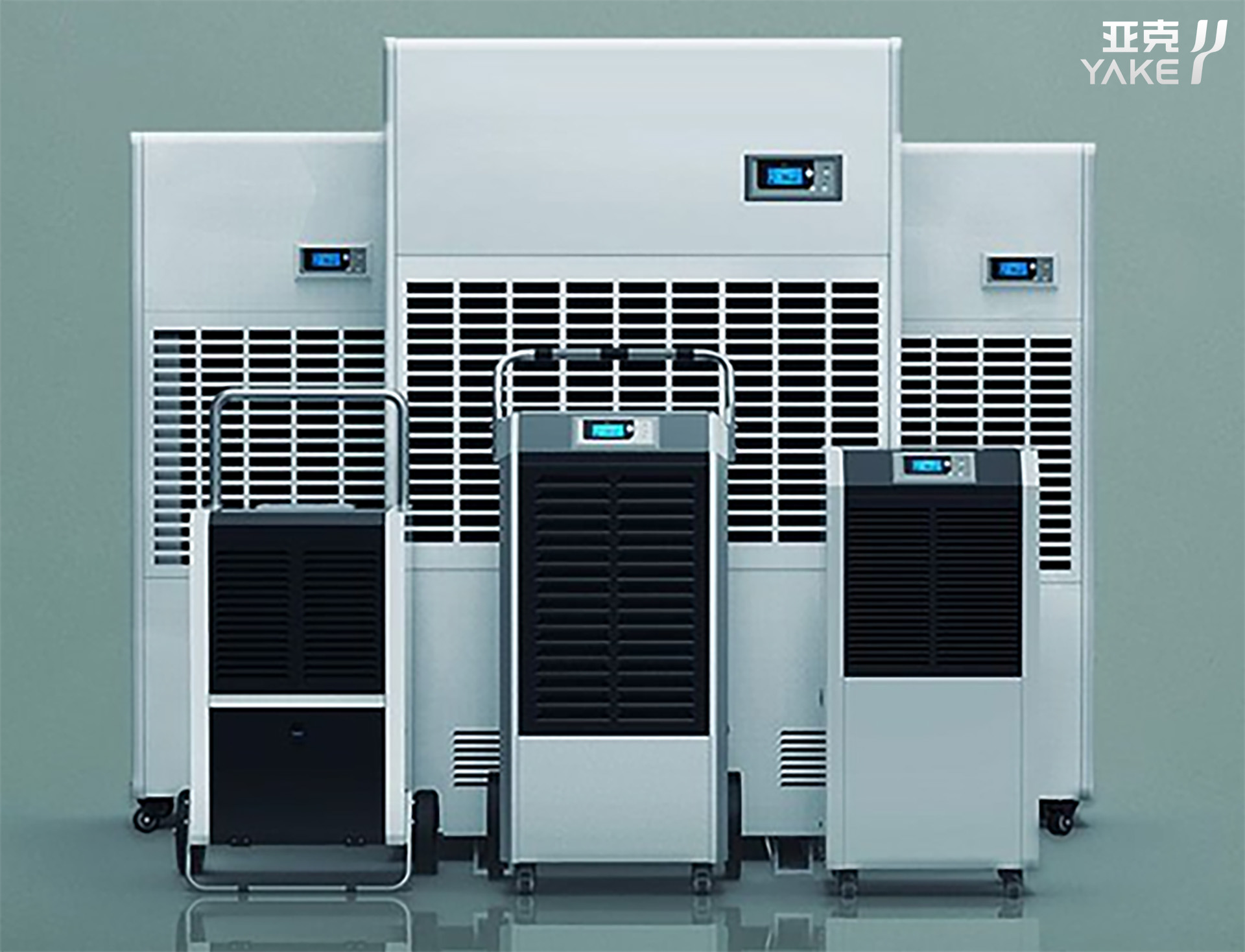
Contact us to find the best place to buy your Yakeclimate solution today!
Our experts have proven solutions to keep your humidity levels in check while keeping your energy costs low.